
Active Stylus Outperforms Passive Pen for Tablet Note & Art
Passive capacitive styluses have no internal power supply. They cannot block accidental palm touches on tablet screens. Hand resting on glass creates unwanted marks during writing. Passive pens fail to adjust strokes by tilt angles. Writing delay and offset annoy heavy note takers greatly.
Active styluses transmit signals to locate nib positions. Palm rejection removes stray touch marks effectively. Tilt sensing adds shading control for drawing work. High-quality active pens keep writing strokes accurate. They become top picks for students and digital creators.
Bulk Sourcing Pain Points: Stylus Compatibility Verification
An active stylus label does not guarantee device fit. Buyers must confirm compatibility before bulk purchase. One pen may support iPad while failing Android tablets. Universal models like R3-P cut SKU complexity for importers. Spec sheets, not product photos, confirm real feature sets.
Real Global Cases: Jiayao Stylus for Overseas ODM Partners
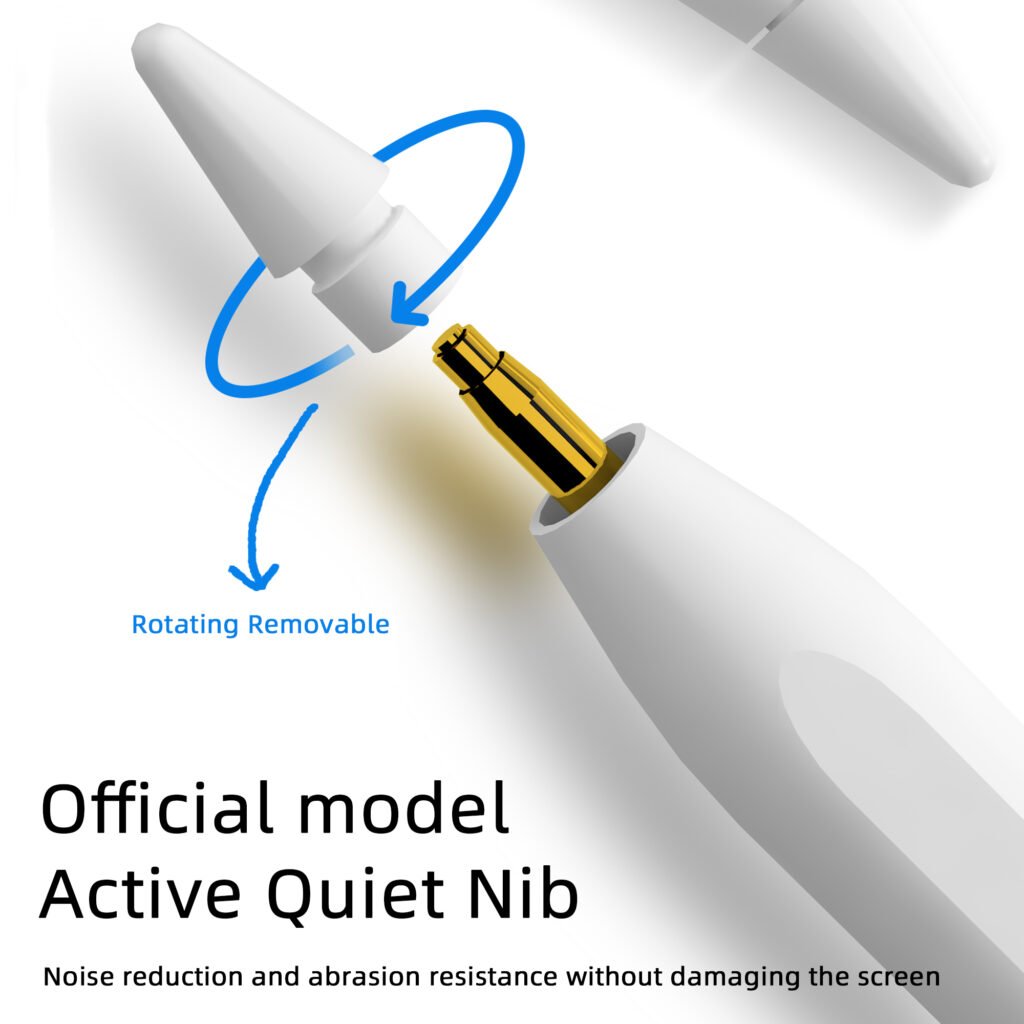
Vietnam ODM ordered E3-A for iPad retail sales for two years. Users praise its long battery life and reliable palm rejection. Turkish partner selects W12-A for cross-device application. The model works on iPads, Android tablets and mobile phones. Education projects prioritize replaceable nibs and long runtime.
Product Spec Table Simplifies Jiayao Stylus Model Selection
S3-GC is dedicated universal stylus for Android tablets only. A7-H-L and A8-RH carry both palm rejection and tilt sensing. W3-H adopts magnetic charging for iPad tablet users. W13-A finishes cable charging in just 15 minutes. All parameters are extracted from official product datasheets.
Compliance and After-sales Terms for International Buyers
Each shipment needs certificates matching ordered stylus model. Every finished stylus undergoes 100% functional inspection. Jiayao provides one-year warranty with one-to-one replacement. Customization covers logo, shell color, nib and packaging. Clients can send inquiries to Lea Tan for samples and quotes.
Conclusion: Match Stylus Choice to Task and Tablet Hardware
Choose passive pens only for simple screen tapping tasks. Invest in active styluses for writing, sketching and annotation. Third-party active pens balance performance and purchase cost. Importers verify specs, compliance and samples before ordering. Right stylus selection improves end-user tablet experience.