
Introduction: iPad Stylus Pens Become Daily Essential Tools
iPad stylus pens upgrade your tablet operation beyond finger control.
They support note-taking, drawing, signing and precise screen tapping.
Two core types dominate the current consumer and B2B markets.
Shoppers often confuse active and passive stylus pen functions.
Clear tech differences decide user experience and purchase value.
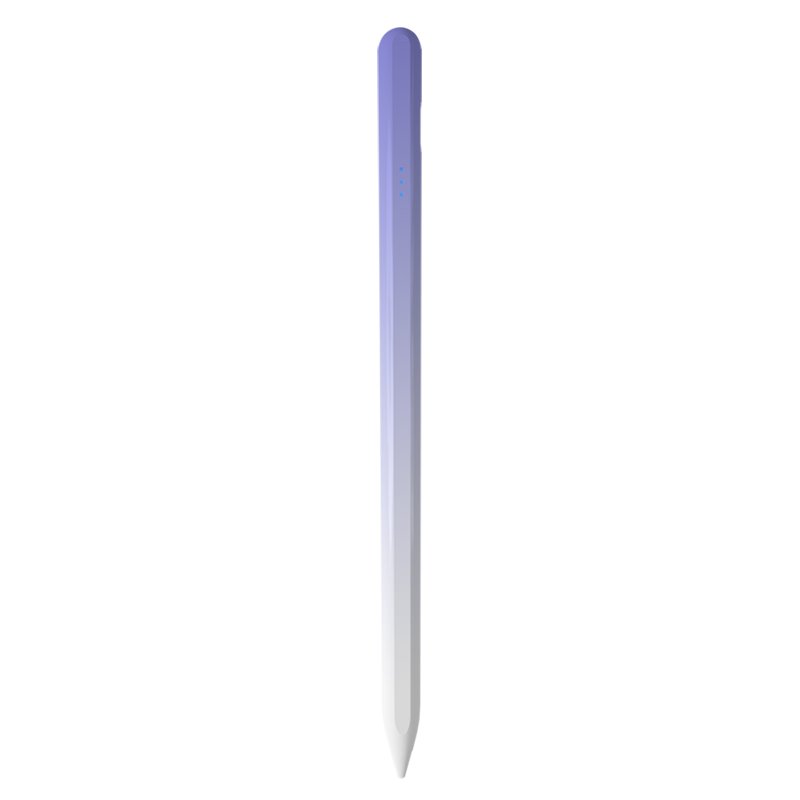
Basic Definition: Two Stylus Pen Core Technologies
Passive stylus pens work without built-in batteries or charging.
They simulate human finger touch to trigger iPad screen responses.
These pens need no pairing and feature ultra-simple operation.
Active stylus pens adopt rechargeable battery-powered design.
They send weak electric signals to locate nib positions accurately.
This tech enables high-precision writing and professional creation.
Key Functional Gap Between the Two Stylus Types
Palm rejection is a top advantage of qualified active stylus pens.
Users can rest palms on screens without accidental ink marks.
Passive stylus pens offer zero palm rejection support at all.
Tilt sensing belongs exclusively to active iPad stylus models.
It creates natural shading effects for hand drawing and sketching.
Active pens deliver low latency and zero writing offset effects.
Passive tools show obvious lag and offset in long writing tasks.
Applicable Scenarios for Each Stylus Pen Type
Passive stylus pens fit simple daily iPad screen operations.
They suit casual browsing, tapping and occasional gesture control.
Low cost and zero maintenance are their biggest strengths.
Active stylus pens target study, office and creative scenarios.
They excel at long note-taking, document annotation and drawing.
Education and hybrid office work fuel active pen market growth.
Market Trend Drives Stylus Pen Popularity
Global stylus pen market size reached $19.45 billion in 2025.
Active stylus tech will grow at 9.8% CAGR from 2026 to 2034.
Tablet popularity pushes stylus pens to mainstream accessory status.
More buyers prioritize precision and comfortable writing experience.
Distinguishing two tech types avoids useless feature spending.